

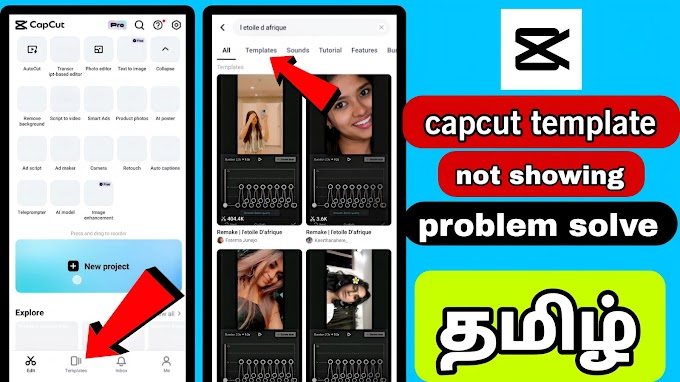
Capcut app template option not showing problem solve

வணக்கம் நண்பா எல்லாரும் capcut app யூஸ் பண்ணி இருப்பீங்க அதுல வந்து பாத்தீங்கன்னா உங்களுக்கு ஒரு ஆப்ஷன் இருக்காது template இது உங்களுக்கு மொபைல்ல வரனும்னா என்னோட யூடியூப் சேனலை நான் ஒரு வீடியோ போட்டு இருக்கிறேன் அந்த வீடியோவை நான் தெளிவா சொல்லி கொடுத்து இருக்கிறேன் அந்த வீடியோ பார்த்து நீங்க கத்துக்கோங்க கண்டிப்பாக ஒர்க் ஆகும் கண்டிப்பா எல்லாருக்கும் ஒர்க் ஆகும் நண்பா
நான் சொல்ல விஷயம் உங்களுக்கு 100% புரிகிற மாதிரி வீடியோ பண்ணி இருக்கிறேன் கண்டிப்பா எல்லாரும் வீடியோ போய் பாருங்க கீழ வீடியோ கொடுத்து இருப்பேன்
தமிழ் வீடியோ தான் உங்களுக்கு வேற மொழிகள் வேண்டும் என்று அதுக்குள்ளார போயிட்டு cc enable பண்ணிக்கோங்க ஓகே நண்பா
Capcut tutorial video
👇👇👇👇




4 Comments
Super video
ReplyDeleteSuper
ReplyDeleteThanks for the helpful video! I followed your steps, and now the template option is showing up perfectly in my CapCut app. I also use picsart photo editor for editing, and combining both apps has really leveled up my content creation!
ReplyDeleteCapCut for PC Download is the perfect solution for creators who want powerful video editing tools on a bigger screen. With CapCut for PC Download as your go-to option, you can enjoy advanced features like multi-layer timelines, smooth transitions, text animations, filters, and audio editing with better control and precision. It’s ideal for YouTubers, social media marketers, and content creators who prefer keyboard and mouse workflows.
ReplyDelete